How to Write AI Prompts for Meeting Notes That Actually Capture Decisions
September 17, 2026 · 8 min read
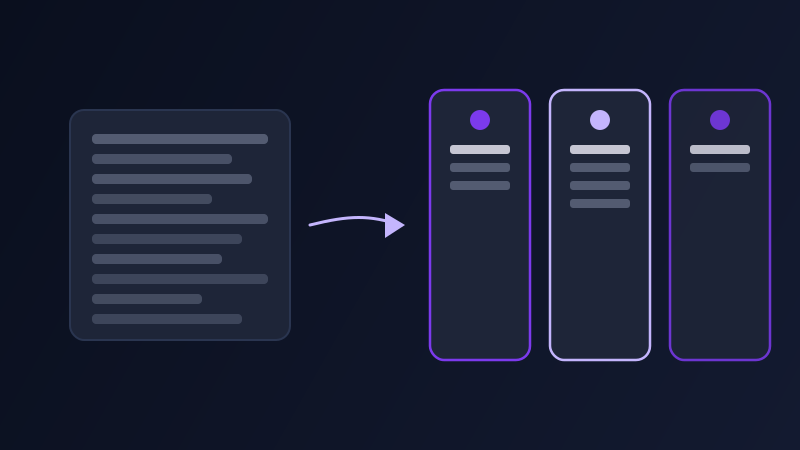
Most people ask an AI note-taking tool, or a pasted transcript, to "summarize this meeting" and get back something that reads well and helps almost nobody a week later: a tidy paragraph describing what was generally discussed, with no clear record of who agreed to do what, by when, or what was actually decided versus merely floated as an idea. A meeting summary that cannot answer "what do I owe by Friday" has failed at the one job a meeting summary actually has, and the fix is not a longer or more polished paragraph. It is a completely different prompt structure, built around decisions and owners instead of topics and chronology.
Why "summarize this meeting" produces the wrong kind of summary
A model asked to summarize will default to a narrative recap organized by conversation flow: what came up first, what came up next, roughly in the order it was said. That shape works fine for catching up someone who missed the meeting entirely, but it is close to useless for the people who were in the room and need to know what happens next. Decisions, owners, and deadlines are often only implicit in a transcript, mentioned once in passing ("yeah, I can have that by Wednesday") and never restated, so a generic summarization prompt tends to compress that detail into vague language like "the team discussed next steps" instead of surfacing it as an actual commitment attached to a name and a date.
The four things a meeting-notes prompt should ask for by name
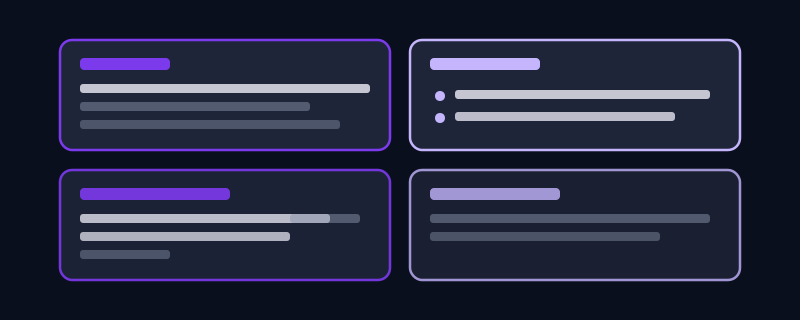
A one-line summary at the top: a single sentence stating the overall outcome of the meeting, written for someone who will only ever read that one line and nothing else. Decisions made: what was actually decided, phrased as a completed choice ("the team will ship the redesign in two phases") rather than a description of a discussion that happened. Action items with an owner and a deadline: every task needs a name attached and a date, and if the transcript never states one explicitly, the model should say so rather than quietly leaving it blank or inventing one. Open questions: anything raised but left unresolved, so it does not silently disappear between this meeting and the next.
A prompt structure that gets there
Rather than "summarize this transcript," ask for something closer to: "Read the attached meeting transcript and produce notes in exactly this structure: a one-sentence TLDR at the top, a 'Decisions' section listing only choices that were actually finalized, an 'Action items' section listing each task with an owner and a deadline (write 'unassigned' or 'no date given' if the transcript does not state one), and an 'Open questions' section for anything raised but not resolved. Do not include general discussion that did not lead to a decision or a task." That structure forces the model to sort everything it reads into one of four buckets instead of defaulting to a single blended paragraph, and it makes gaps in the meeting itself visible instead of quietly smoothing them over.
Handling a messy or informal transcript
Real meetings ramble, get interrupted, and have people talking over each other, especially in auto-generated transcripts from Zoom or Google Meet that misattribute speakers or garble names. Tell the model explicitly to work only from what is clearly stated in the transcript and never invent a name, deadline, or decision that was not actually said. If a speaker’s identity is unclear (labeled "Speaker 2" instead of a name), ask the model to preserve that label rather than guessing who it was, since a confident wrong guess attached to a real commitment is worse than an honestly unlabeled one.
Different meetings need different summary shapes
A status update or stand-up: the useful shape is almost entirely action items with owners, with barely any narrative recap needed since everyone already has the context. A brainstorm or strategy session: the useful shape flips toward open questions and options considered, since a brainstorm rarely produces final decisions, and forcing false ones into the summary misrepresents what actually happened in the room. A client or external call: the notes need to separate what your side committed to from what the other side committed to, since those two lists often get forwarded to very different people afterward, and mixing them creates real confusion about who owes what.
A worked example, before and after
Weak prompt: "summarize this meeting transcript." No structure, no instruction about decisions versus discussion, no mention of owners or deadlines, so the model produces a pleasant-sounding paragraph that would take another read of the full transcript to actually act on. Structured prompt: "Summarize the attached product planning call. TLDR in one sentence. Decisions section: list only what was finalized, not what was debated. Action items section: name, task, deadline, marking anything without a stated deadline as 'no date given.' Open questions section: list anything raised but not resolved by the end of the call." The second version gives the model a fixed shape to sort the transcript into, so what comes back can be scanned in twenty seconds by someone deciding what to do next.
Common mistakes
Asking for a summary with no format specified, which almost always produces a narrative paragraph organized by conversation flow rather than by decisions and owners. Letting the model fill in an owner or deadline that was not actually stated in the transcript, which creates a false sense of certainty about who agreed to what. Treating a stand-up summary and a strategy-session summary as the same shape, when one should be almost entirely action items and the other almost entirely open questions. Pasting a long raw transcript without asking the model to flag ambiguous speaker attribution, so a garbled auto-transcript name gets treated as a confirmed source for a real commitment.
Frequently asked questions
What is the best AI prompt for summarizing a meeting?
The most useful structure asks for four distinct sections rather than one paragraph: a one-line TLDR, a Decisions section listing only finalized choices, an Action items section with a named owner and deadline for each task, and an Open questions section for anything unresolved. Naming these sections explicitly in the prompt is what turns a vague recap into notes someone can actually act on.
How do I stop AI meeting notes from missing who owns what?
Explicitly instruct the model to list an owner and a deadline for every action item, and to mark anything without a clearly stated deadline as "no date given" rather than leaving it blank or guessing. Most missed ownership happens because a generic summarization prompt compresses a spoken commitment into a vague phrase like "next steps" instead of pulling it out as a named task.
Can AI meeting notes handle a messy or auto-generated transcript with wrong speaker names?
Yes, but only if you tell it to. Ask the model to work strictly from what is clearly stated, never invent a name or detail the transcript does not contain, and preserve a generic label like "Speaker 2" when a speaker cannot be confidently identified, rather than guessing and attaching a real commitment to the wrong person.
Should every meeting get the same summary format?
No. A stand-up or status update mostly needs action items with owners and little narrative. A brainstorm or strategy session mostly needs open questions and options considered, since it rarely produces final decisions. A client call needs your commitments and the other side’s commitments kept in separate lists, since they usually get sent to different people afterward.
Try Promptima’s prompt generator for meeting notes and summaries free →
✦ Try Promptima freeMore articles

Best AI Prompt Optimizer Tools in 2026 (And When to Use Each)
Prompt marketplaces, browser extensions, manual prompt engineering, and dedicated optimizers all solve a different version of the same problem. Here is how to tell which one you actually need.

How to Turn One Photo Into a Ready-to-Use AI Video Prompt
You have an image whose look you want to bring to life as a video. The problem is that video AI tools don’t read image prompts — they need camera, motion, and duration described in a completely different structure. Here’s how to bridge the two.