Prompt Weighting and Emphasis Syntax Compared: How Different AI Image Tools Let You Control What Matters Most
September 11, 2026 · 9 min read
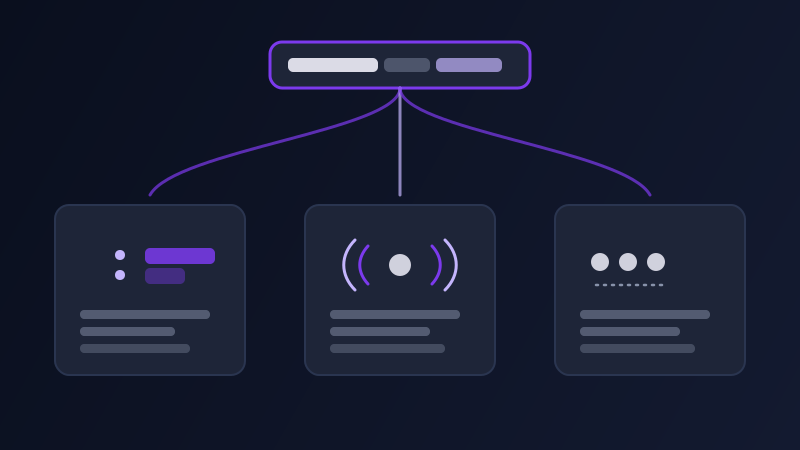
Write a prompt like "a red umbrella on a rainy city street, neon signs, cinematic lighting" and every AI image tool treats those words as a flat list — until you ask it not to. Almost every real prompt has a word or phrase that matters more than the rest: the umbrella should dominate the shot, the neon signs are a secondary detail, the cinematic lighting is closer to a mood note than a hard requirement. Left as a flat list, the model decides that balance for you, and it does not always decide it the way you meant. Whether you can override that balance, and how, depends entirely on which tool you are using, because AI image generators split into two genuinely different camps on this.
Why a flat list of words isn’t enough
A diffusion model builds an image by repeatedly nudging noise toward whatever your prompt describes, and every word in that prompt pulls on the result with some amount of influence. Without any signal about which words matter most, models tend to weight roughly by position and specificity: early words and unusual, specific words tend to pull harder than words buried at the end or in a competing clause. That is a rule of thumb, not a control, which is exactly the problem. If the thing you actually care about happens to land at the end of your sentence, or shares the spotlight with three other equally specific details, the model has no reliable way of knowing it should have won that competition for attention.
Midjourney: multi-prompts and explicit weights
Midjourney lets you split a prompt into separate parts with a double colon (::) and optionally follow each part with a number: "red umbrella::2 rainy city street::1 neon signs::0.5" tells the model the umbrella should dominate, the street is a normal-weight element, and the neon signs are a light accent rather than a competing subject. Without a number, each :: split still separates the phrase into a distinct concept the model blends rather than reads as one continuous description, which matters when two ideas next to each other in plain text would otherwise blur together (a "red umbrella rainy city street" reads differently than "red umbrella::rainy city street", since the split stops "umbrella rainy" from being parsed as one unintended compound idea). Word order still matters even with weights applied — front-loading the highest-priority concept and then using :: to fine-tune everything after it gets more consistent results than relying on weights alone to fix a poorly ordered sentence.
Stable Diffusion and its interfaces: attention syntax and BREAK
Stable Diffusion-based interfaces (AUTOMATIC1111, ComfyUI, and most tools built on open Stable Diffusion checkpoints) use a different mechanism entirely: parentheses with an explicit multiplier, like (red umbrella:1.4), increase that phrase’s weight in the model’s attention, while a number below 1, like (neon signs:0.6), reduces it. Nesting parentheses without a number, ((red umbrella)), works as a rougher shorthand that multiplies attention by a fixed amount per level, though an explicit number is more predictable than stacking brackets and guessing. Square brackets, [neon signs], work as the inverse shorthand, softly suppressing a phrase rather than emphasizing it. A related but separate tool in the same interfaces is the BREAK keyword, which splits a prompt into separate chunks that get tokenized independently — useful when two long descriptive phrases are bleeding into each other conceptually even though neither one individually needs more or less weight, just cleaner separation.
Tools that lean natural language: Ideogram, Firefly, and newer diffusion models
A growing share of image tools, including Ideogram and Adobe Firefly, are built around reading a prompt more like natural language and less like a weighted token list, and mostly do not support inline numeric weighting syntax at all. That is a deliberate design choice as much as a limitation: these models are trained to infer emphasis from phrasing, sentence structure, and repetition rather than from special characters, on the theory that most users will never learn — or want to learn — a weighting syntax. The tradeoff is that you lose the blunt, guaranteed lever of "make this exactly 1.4x as important" and rely instead on techniques that work with, not against, the model’s natural-language training: leading with the priority subject, dedicating a full clause to it rather than a single adjective, and repeating a concept once, in different words, if it is not landing with enough weight on the first try.
Chat-based image tools: ChatGPT, and why weighting syntax doesn’t transfer
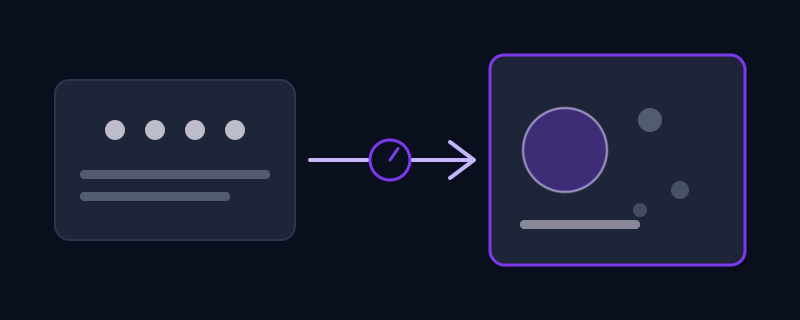
Ask ChatGPT’s image generation for a picture and paste in a Midjourney-style prompt with :: weights or Stable-Diffusion-style (word:1.3) syntax, and neither does anything useful — the underlying model reads it as literal text to include or ignores it as noise, rather than parsing it as a control signal, because it was never trained to treat those characters specially. Chat-based image tools respond much better to plain, ordered, natural-language emphasis: state the priority subject first and in the most detail, treat secondary elements as a brief aside rather than an equally-weighted clause, and if something still isn’t landing, the more reliable fix is a follow-up message narrowing it down rather than adding syntax borrowed from a different tool.
How to translate emphasis when you move a prompt between tools
The habit worth building is separating what you want emphasized from how you ask for it, since the "what" travels between tools and the "how" does not. Keep a mental (or literal) note of your prompt’s actual priority order — main subject, secondary detail, background element, mood note — independent of any tool’s syntax. Moving into Midjourney, translate that order into :: splits with rough weights (2 for the main subject, 1 for normal elements, 0.5 or lower for light accents). Moving into a Stable Diffusion interface, translate the same order into (phrase:1.3)-style multipliers on the one or two things that actually need a push, rather than wrapping every phrase in parentheses out of habit. Moving into Ideogram, Firefly, or a chat-based tool, drop the syntax entirely and re-express that same priority order through sentence structure: lead with it, give it the most words, and let everything else trail as a shorter aside.
Common mistakes
Wrapping nearly every phrase in weighting syntax "just in case," which flattens the signal back to nothing — if everything is emphasized, nothing is. Using Stable Diffusion’s (word:1.3) syntax inside Midjourney or a chat-based tool, where it is either ignored or read as literal text the model tries to include in the image. Reaching for a heavier weight instead of fixing an underlying wording problem — a subject that is vague or oddly phrased usually needs better description, not a higher multiplier on the same vague phrase. Forgetting that negative prompts are a related but separate mechanism from weighting down: telling a tool what to exclude entirely calls for a dedicated negative prompt field or syntax where the tool supports one, not just a very low weight on the unwanted element.
None of these systems are interchangeable, and the tool you are using decides which one is even available to you. Knowing which camp your tool falls into, syntax-driven or natural-language-driven, is what turns "the model keeps focusing on the wrong thing" into a problem you can actually fix instead of one you just re-roll and hope improves.
Frequently asked questions
What is prompt weighting in AI image generation?
Prompt weighting is a way of telling an AI image tool that some words or phrases in your prompt should influence the result more than others. Tools that support it do so through explicit syntax — Midjourney’s double-colon (::) multi-prompts with optional numeric weights, or Stable Diffusion-based interfaces’ (word:1.3) parenthetical multipliers — rather than leaving every word to compete equally for the model’s attention.
Does Midjourney weighting syntax work in other AI image tools?
No. Midjourney’s :: syntax and Stable Diffusion’s (word:1.3) attention syntax are specific to those systems and are not interchangeable. Pasting either into Ideogram, Firefly, or a chat-based tool like ChatGPT’s image generation typically does nothing useful — it gets read as literal text or ignored rather than parsed as an emphasis control.
How do I emphasize a subject in tools with no weighting syntax?
Lead with it, describe it in more detail than anything else in the prompt, and keep secondary elements shorter and later in the sentence. Tools built around natural-language understanding, like Ideogram, Firefly, and chat-based image generators, infer importance from phrasing and word order rather than from special characters, so restructuring the sentence does the same job that explicit weighting syntax does elsewhere.
Is prompt weighting the same as a negative prompt?
No. Weighting adjusts how much a word or phrase that you want in the image influences the result, while a negative prompt tells the tool what to leave out entirely. They solve related but different problems, and a tool that supports both usually keeps them as separate mechanisms rather than treating a very low weight as equivalent to an exclusion.
Why does my Stable Diffusion prompt with parentheses look worse, not better?
Usually because too many phrases got wrapped in parentheses at once, which cancels out the effect — if every phrase is emphasized, the relative balance the model actually uses to decide what matters most goes back to nearly flat. Reserve the (word:1.3) syntax for the one or two elements that genuinely need a push, and leave the rest of the prompt as plain text.
Try Promptima’s image prompt generator — it applies the right weighting syntax for your target tool automatically →
✦ Try Promptima freeMore articles

Best AI Prompt Optimizer Tools in 2026 (And When to Use Each)
Prompt marketplaces, browser extensions, manual prompt engineering, and dedicated optimizers all solve a different version of the same problem. Here is how to tell which one you actually need.

How to Turn One Photo Into a Ready-to-Use AI Video Prompt
You have an image whose look you want to bring to life as a video. The problem is that video AI tools don’t read image prompts — they need camera, motion, and duration described in a completely different structure. Here’s how to bridge the two.